Primary Color Palette:


Primary Blue

Dark blue

Light blue



2

2



New Incident

3

1

1
Worldwide Threats:

7

2
2
New Incident
3
1
1
Worldwide Threats:
8
9
A New incident button is on any view of the Map to allow the user to activate new plan ASAP.

2
Key will show Users numerical reference to number of sites that have threats. Blue = no threat
Yellow = threat with no incident Red = Threat with Incident on Site
4
2
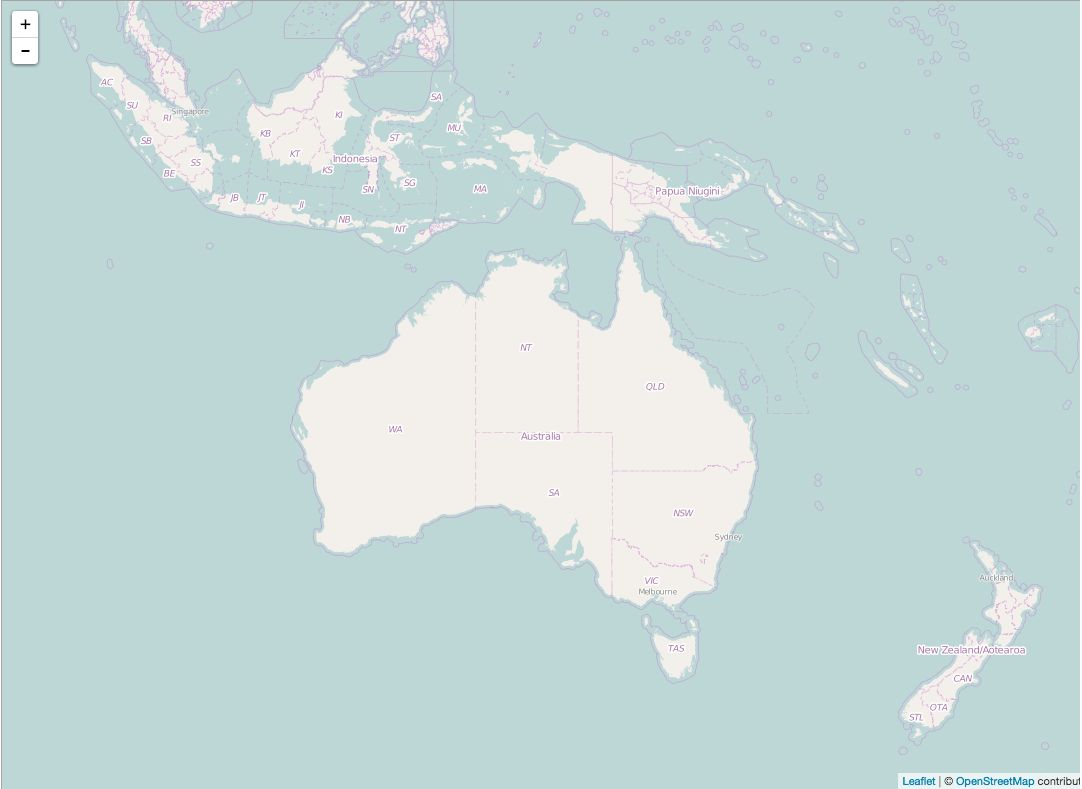
2
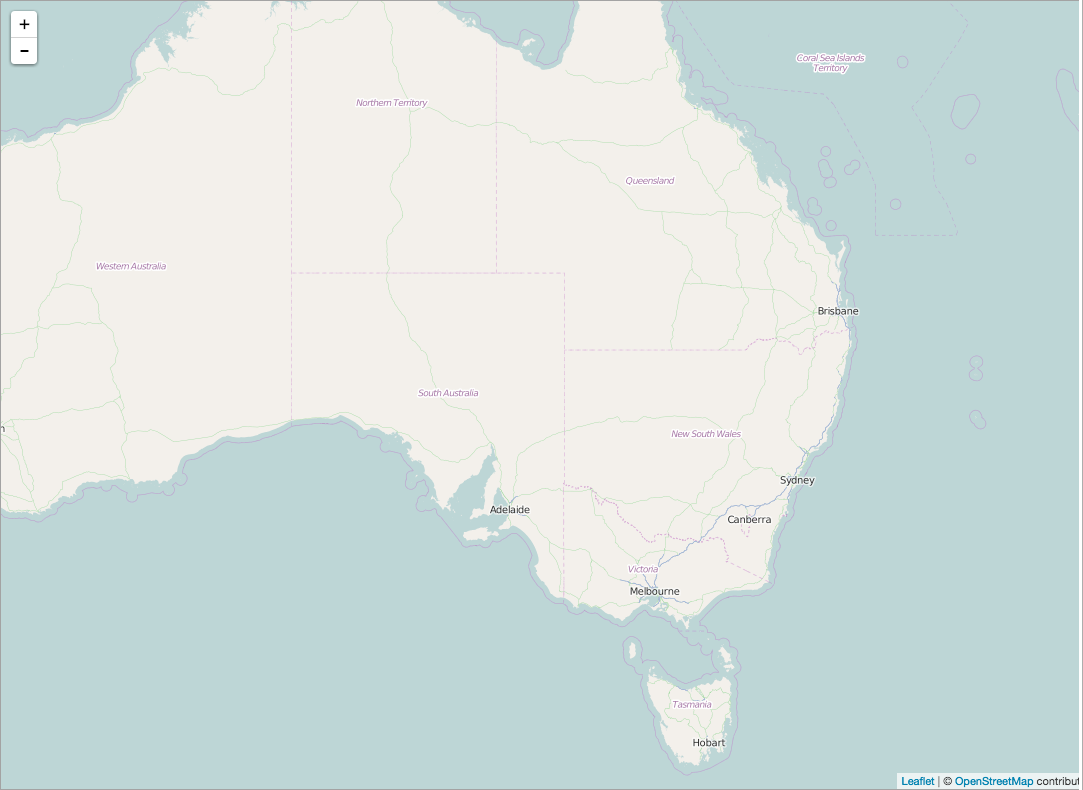
2
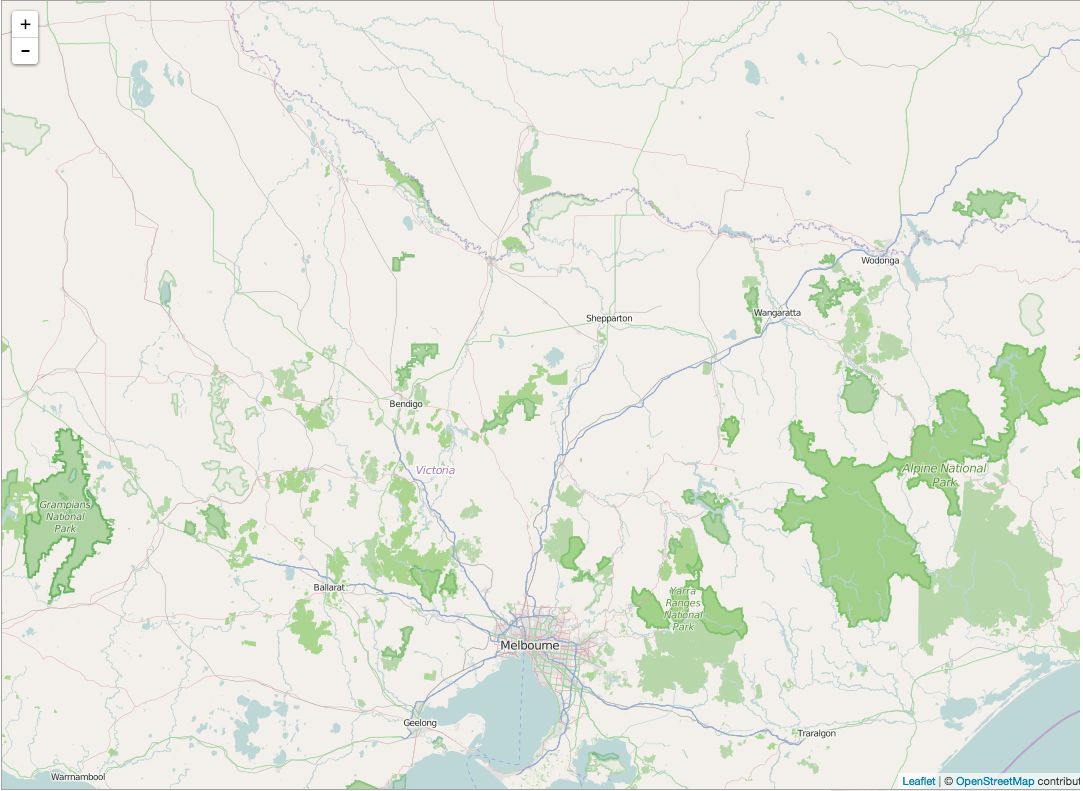

2
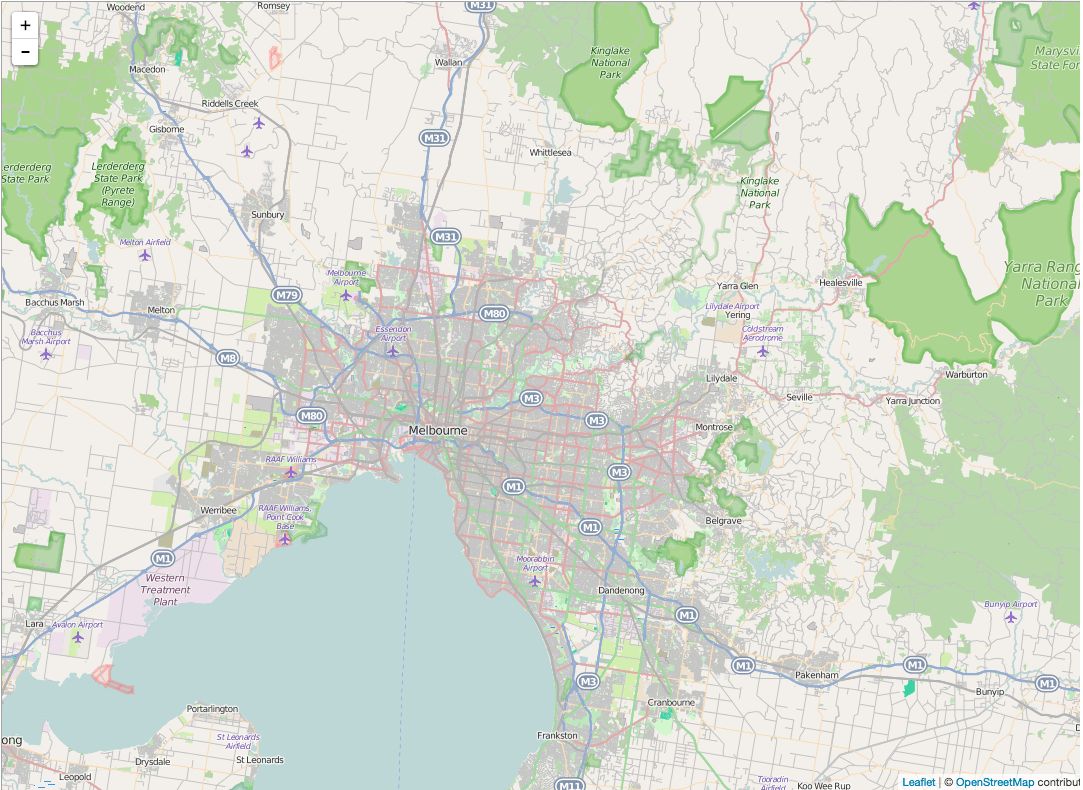
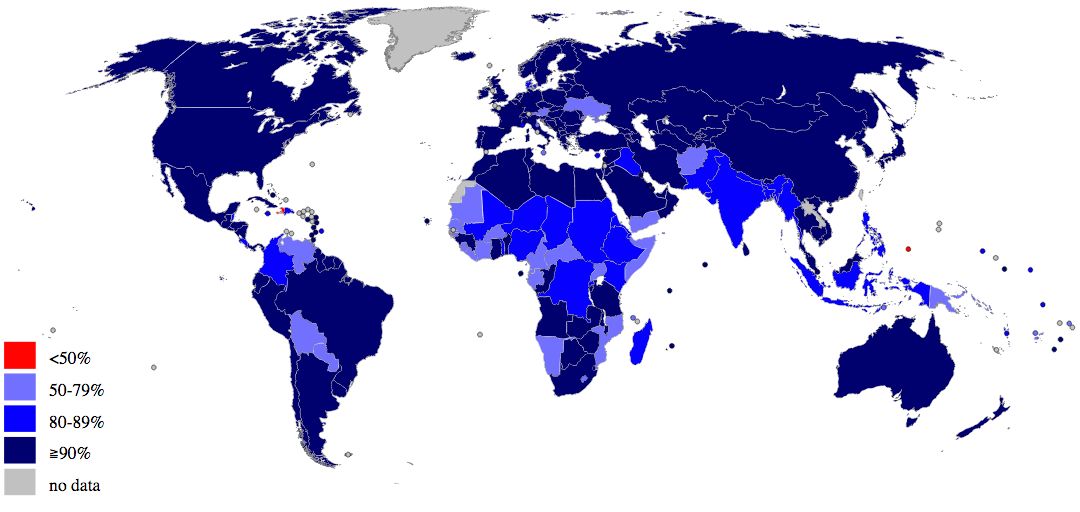

2
2

Low
High
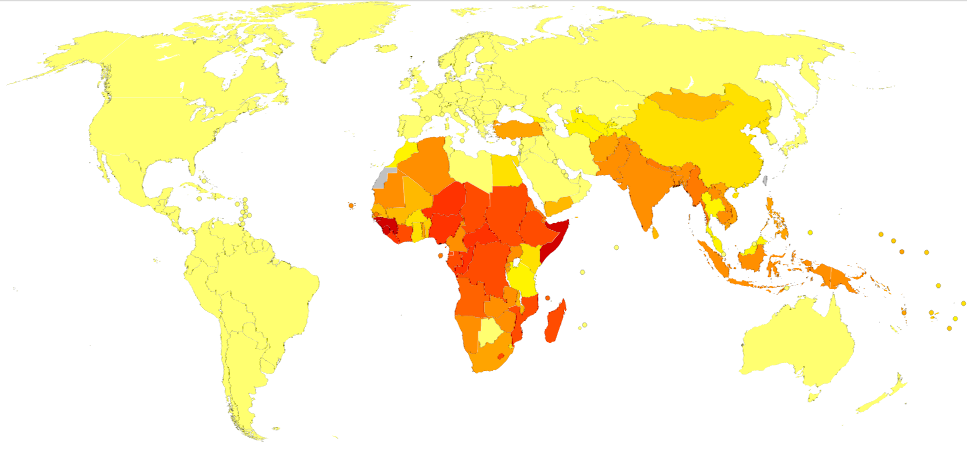
2
2

Low
High





Region:
Country:
Work Places:
International Assignees/Expats
Workforce:

Country Information

2
110
5000
Australia/South
Pacific Islands
Australia
Sites in Country
Site
Last Incident
Status
Feb. 2, 2015
June 6, 2014
Melbourne, AU
Frankston, AU
1
2



HIGH
Country Medical Risk:

Threats in Country:
0
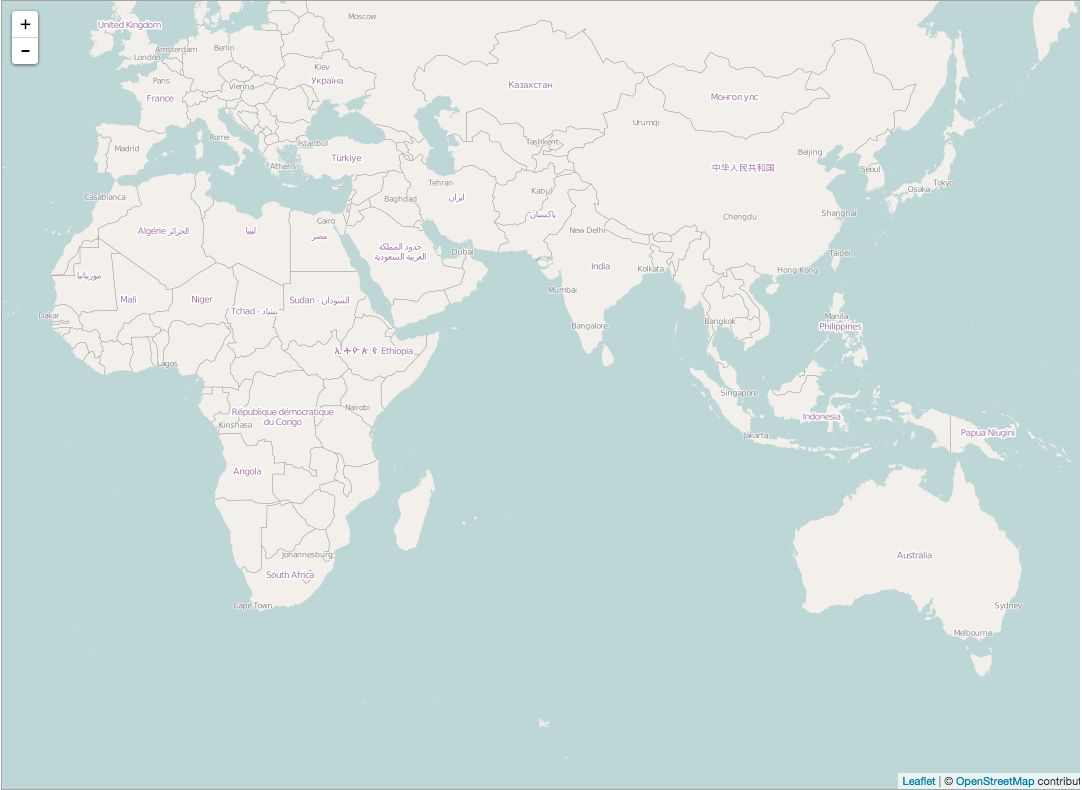
User will see country information when they click on specific part of map. Sites in country list will be in order of importance - with most pressing matters at the top. User is able to click directly through site list to see site detail page of site in question. User is able to hide this view by clicking the arrow in between it and the map.
3
Region:
Country:
2
110
5000
Australia/South
Pacific Islands
Australia
Work Places:
International Assignees/Expats
Workforce:
Region:
Country:
Sites In Country:
International Assignees to Country:
Total Workforce Present:
2
110
5000
Australia/South
Pacific Islands
Australia
Region:
Country:
Work Places:
International Assignees/Expats
Workforce:
Country Information
2
110
5000
North America
United States
Sites in Country
Site
Last Incident
Status
Feb. 2, 2015
June 6, 2014
Alaska
Lousiana, Bat..
1
2

HIGH
Country Medical Risk:
Threats in Country:
0
User will see country information when they click on specific part of map. Sites in country list will be in order of importance - with most pressing matters at the top. User is able to click directly through site list to see site detail page of site in question. User is able to hide this view by clicking the arrow in between it and the map.
3
Low
Site
Last Change
Status
2015-2-21
2014-6-1
2014-2-12
Alaska
Louisiana, Bat...
Louisiana
1
2
3
Site Readiness (warning) - based on expiration of materials for level zero
relevant documents
Frequency
type
status
News
Frequency:
Type:
Malaria
Common
Insect
Sites in Known Areas
Status:
Site
Status
Melbourne, AT
Dandenong, AT
Cape Town, SA
1
2
3


Known
Last Change
Feb. 5, 2015
June 1, 2014
Feb. 12, 2014
Malaria News
W.H.O
Malaria Risks in Australia...

!
!
Company does not have credentials for Malaria Suite

Frequency:
Type:
Avian Influenza
Rare
Bird-to-Person
Status:
Emerging
Outbreak with suspected or confirmed incidents on site
Outbreak but no cases onsite
No outbreak


LIBRARY
INCIDENTS
SITES
ADMIN
LOGGED IN AS: JOHN SMITH

DASHBOARD


John Smith
john.smith@internationalsos.com


Sign out
Account Settings

Corporate Admin
Site Manager
Incident Manager
Logged In As:



Site Two
Site Three
Site Four
Site Five
Site Six
Melbourne, AU
Site Search:
Select Site
1

Cancel
User will be able to quickly search for sites and list will auto populate based on the query they make in real-time.
1
Influenza
MERS CoV
Ebola
Meningitis
Malaria
Select Plan
Cancel
Go Back
2
all of the plans the company has purchased will be placed here, but not all of the offerings of International SOS.
1
Influenza
MERS CoV
Ebola
Meningitis
Malaria
Select Plan for Melbourne Site
2
Cancel
Go Back


No active Pandemic Flu
Select Scenario
Active Flu Season
Not Severe Pandemic Flu and not in my country
Not Severe Pandemic Flu, but cases in Community or my workplace
Severe Pandemic but not in my Country
Severe Pandemic in my country but not my community or workplace
Severe pandemic in my community, and some cases in the workplace, some business disruption possible
Severe pandemic in my community and significant cases in my workplace, business disrupted
3
Cancel
Go Back
Based on the Plan that was selected, the correct Scneario Levels will be shown so the User can select the appropriate plan to start.
1
No active Pandemic Flu
Select Severity
Active Flu Season
Not Severe Pandemic Flu and not in my country
Not Severe Pandemic Flu, but cases in Community or my workplace
Severe Pandemic but not in my Country
Severe Pandemic in my country but not my community or workplace
Severe pandemic in my community, and some cases in the workplace, some business disruption possible
Severe pandemic in my community and significant cases in my workplace, business disrupted
9
Cancel
Go Back

Suspected or Confirmed
Cases of "Threat Name" Onsite?
Finish
Cancel
Go Back
4
5
"Threat Name" will be populated with the name of the plan in question.
1
Plan Overview
Site Name: Melbourne, AU
Plan: Influenza
Scenario Level: High 1
Activate
(Severe Pandemic, but not in my Country)
Suspected or Confirmed
Cases of Influenza: 0
Once the User selects Activate - They will be taken directly to the new plan.
1


Notice
Continue
Close
Legal notice to accept documents and Templates
1
2

If User Does not accept without clicking "I accept" the Continue Button stays grey and inactive. Only when User clicks "I accept" are they allowed through into App. If User Clicks "Close" they are sent to the login screen. NOTE: Text for this lightbox to be provided by ISOS

1

Success!
Next
3
By default you will be logged in as Corporate Admin,
but you have access to both Site Manager and Incident
Manager views. Access All Views from drop down:
LOGGED IN AS: JOHN SMITH
Sign out
Account Settings
Corporate Admin
Site Manager
Incident Manager

IF User has Admin rights they are presented with this Help Prompt. If user does not have Admin rights they see a success message and are simply logged in as the Role they were assigned.
1
Success!
Select "Admin" to add Users, Sites and edit Corporate
Plans.
ADMIN
Close
4
admin button is actually functional, allowing User to go directly to Admin tab.
1
View Threat \/


View Threat:
Infectious (A-M)
Chicken pox (Varicella)
Cholera
Ebola
Hepatitis A/E
Measles
Meningitis
MERS CoV
MRSA
Mumps
Infectious (N-Z)
Norovirus
Pandemic Influenza
Rubella
SARS
Seasonal Influenza
Tuberculosis
Typhoid Fever
Vector Borne
Malaria
Dengue Fever
Chikunguya
Environment
Air Pollution
Legionnella
Anthrax
6
Threat: MERS CoV (change)
5
Threat Library is the same layout as seen in Library, but many options are not applicable to be seen on a map layer. Users will have access to this data even if they are not subscribed to the plan.
1

Click Path
1. Click "I accept"
2. Click "Continue"
3. Click "Next"
4. Click "Close"
5. Click "View Threat"
6. Select "MERS CoV"
7. Select "Australia"'
8. Select "USA"
9. Select "Australia"

I am a user reviewing various threats to my companies sites via the map/dashboard popout.
KEY

Title

Clickable
elements
1

User Story / Use Case

Notes
1

2.3 Dashboard - UC - 1